Overview
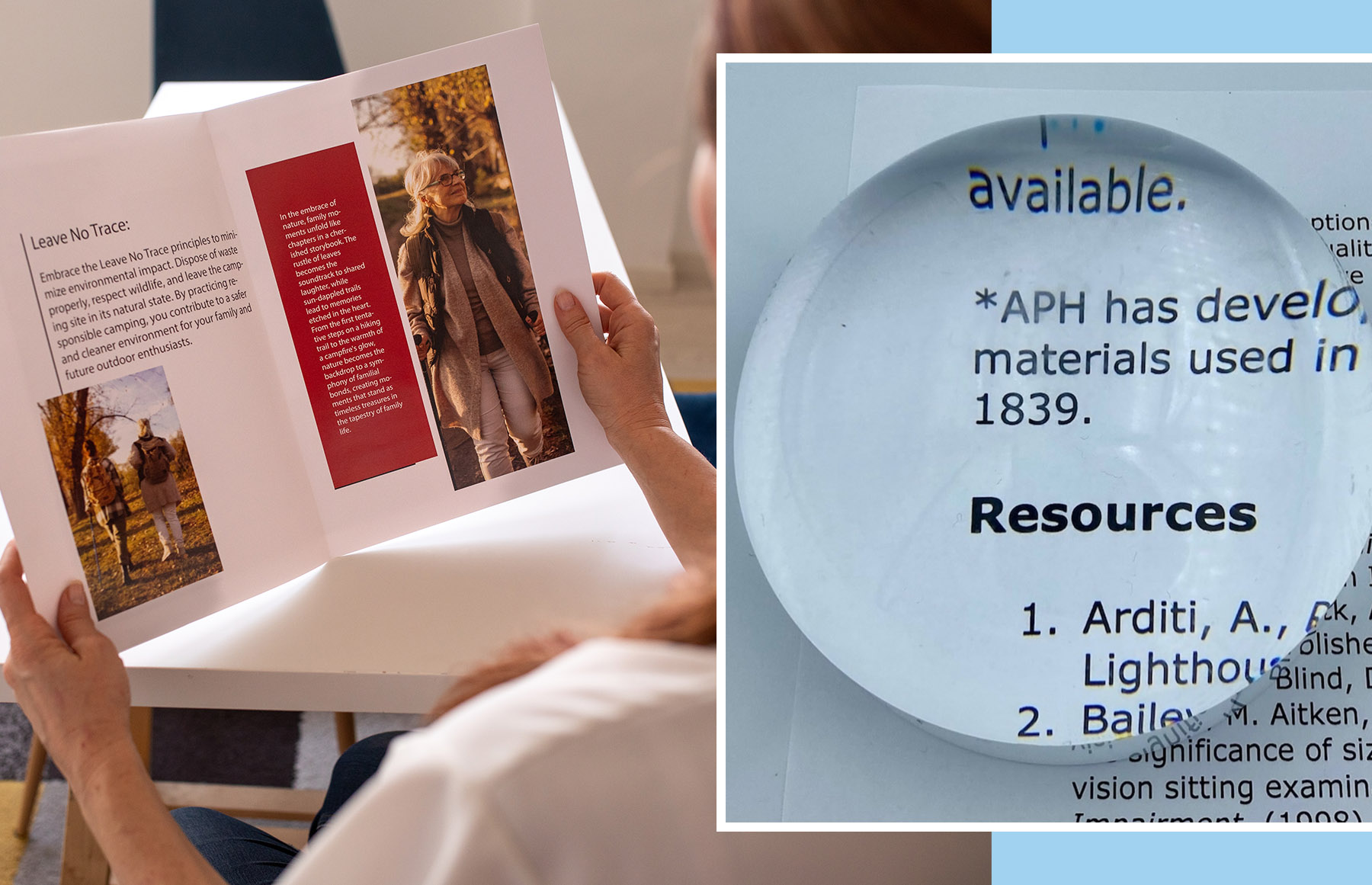
Participants will gain a general understanding of how to work with VistaType Large Print Templates and Macros in a real-world editing environment. This session focuses on using macros and styles to streamline the formatting process and ensure documents meet large print standards. Participants will learn how to clean up common formatting issues, apply the appropriate styles using the Styles pane, and utilize macros designed to tag and format reference page numbers correctly.
Estimated Time to Complete: 1 hour
- What's Included
- 4 pages
- Pre/post-assessments
- Free Certificate
Learning Objectives
- Participants will describe the file cleanup sequence used to address common formatting variances.
- Participants will use macros to identify, tag, and apply the correct style for large print reference page numbers.
- Participants will recognize and apply various proprietary VistaType large print styles using the Styles pane in Microsoft Word.
Katie Robinson and Jerry Whittaker
When all elements of this module have been completed, a certificate of completion will become available on the Module Overview.